

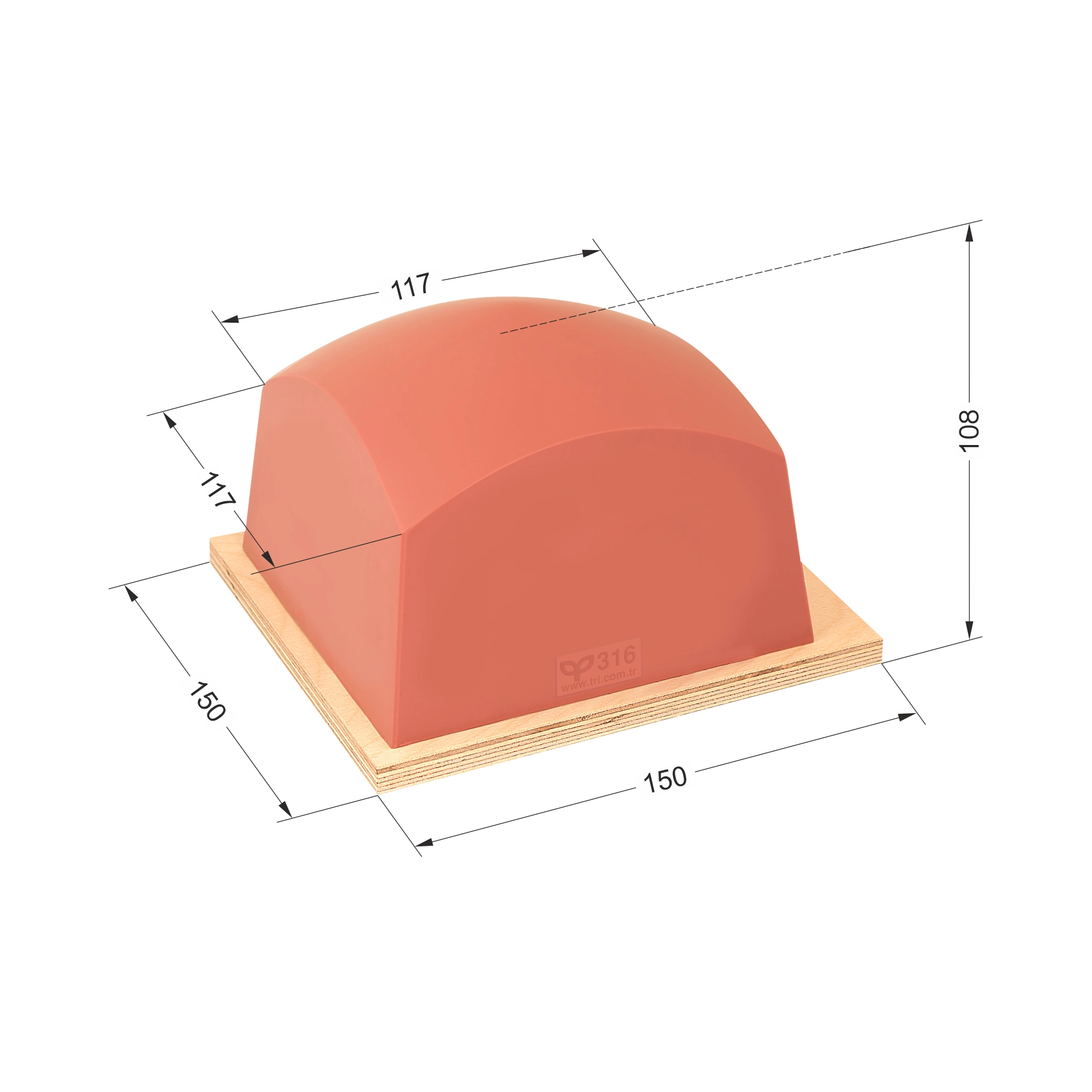
How to assess P316
Use the technical dimensions alongside the product in its printing position. The outer pad dimensions do not define the usable print area. Check the final artwork size, contact direction and free space around the product with a physical sample.
Dimensions and mounting details
| Model Number | P316 |
|---|---|
| Pad Shape | Rectangular |
| Pad Diameter | – |
| Pad Width | 117 mm |
| Pad Length | 117 mm |
| Pad Height | 108 mm |
| Wooden Base Diameter | – |
| Wooden Base Width | 150 mm |
|---|---|
| Wooden Base Length | 150 mm |
| Insert Shape | None |
| Insert Diameter | – |
| Insert Width | – |
| Insert Length | – |
| Insert Depth | – |
Contact with the product surface
For this rectangular pad, test where the pad first touches the product and how contact develops across the artwork. Check the fixture position and pad return stroke before comparing print quality.
Compare models with the same shape
The models below are grouped by recorded body dimensions and height. Similar dimensions alone do not confirm an identical printing result on your product.
| Model | Body Dimensions | Height |
|---|---|---|
| P316 | – | 108 mm |
| P85 | – | 106 mm |
| P121 | – | 110 mm |
| P120 | – | 108 mm |
Record the sample print conditions
- P316 and the silicone hardness tested
- Cliché dimensions and final artwork position
- Pad mounting, printing direction and product fixture
- Ink transfer at the centre and edges